See Magic Fill in Action
Watch how easily you can remove objects and fill areas with AI precision
Effortlessly edit your images by painting over unwanted objects or areas. Just draw a mask, describe what you want, and let AI fill in the magic!
Try Magic Fill Now
Watch how easily you can remove objects and fill areas with AI precision
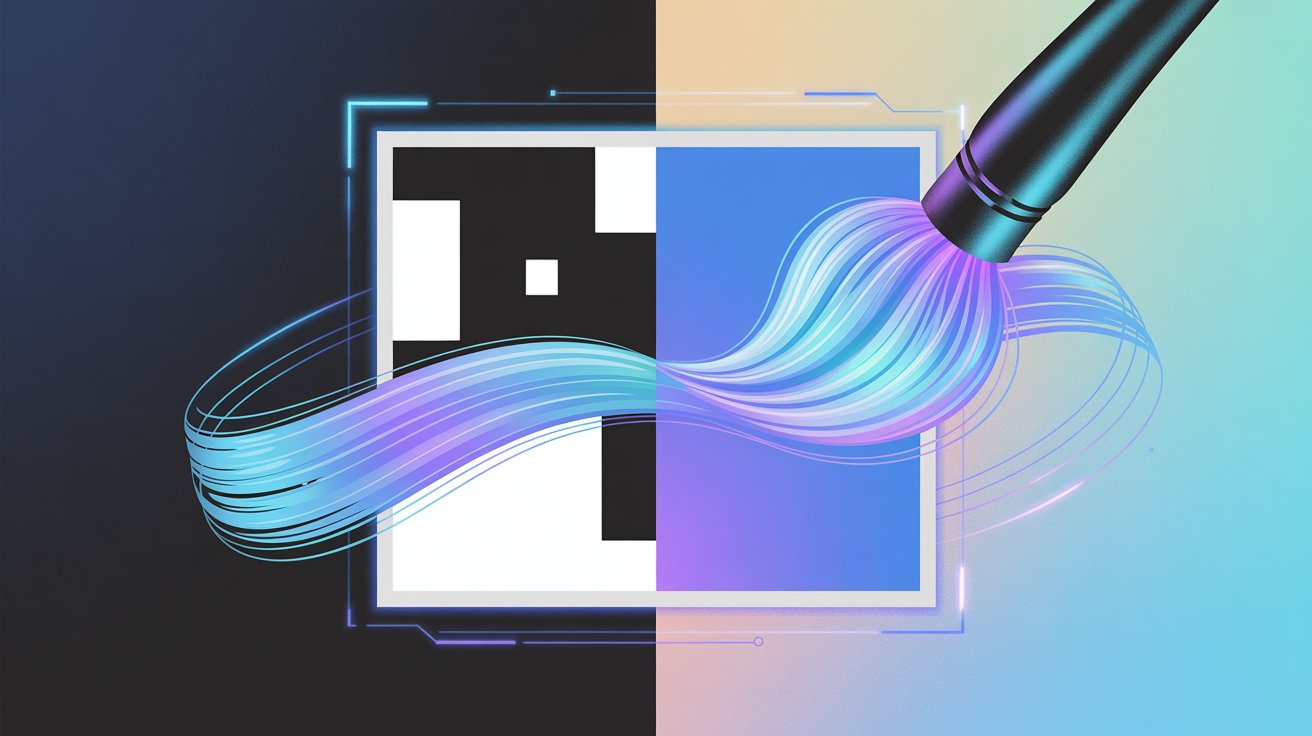
Use brush, rectangle, or lasso tools to mark exactly what you want to change. See your mask overlay in real time.
Our advanced AI fills in masked areas with stunning realism, matching your prompt and the original image style.
Describe what you want to appear in the masked area, or let the AI surprise you with smart suggestions.
Download your edited images in high resolution, ready to share or use anywhere.
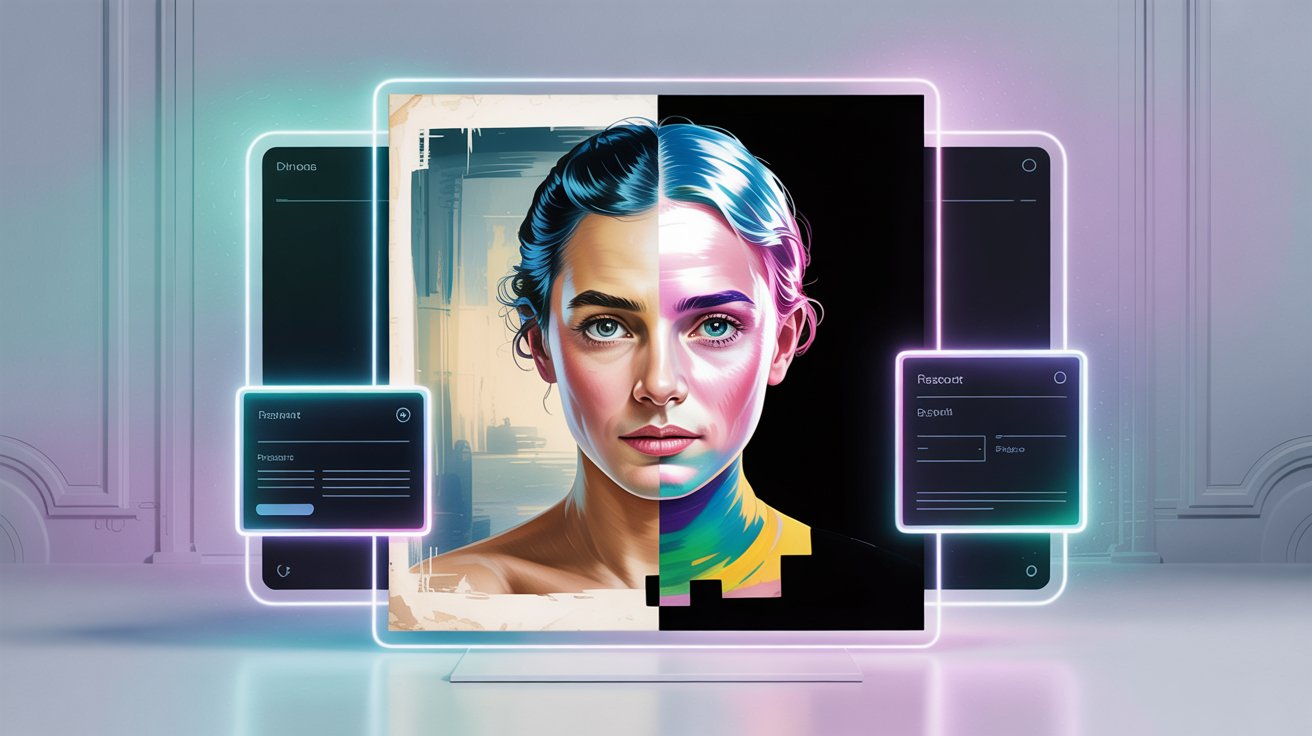
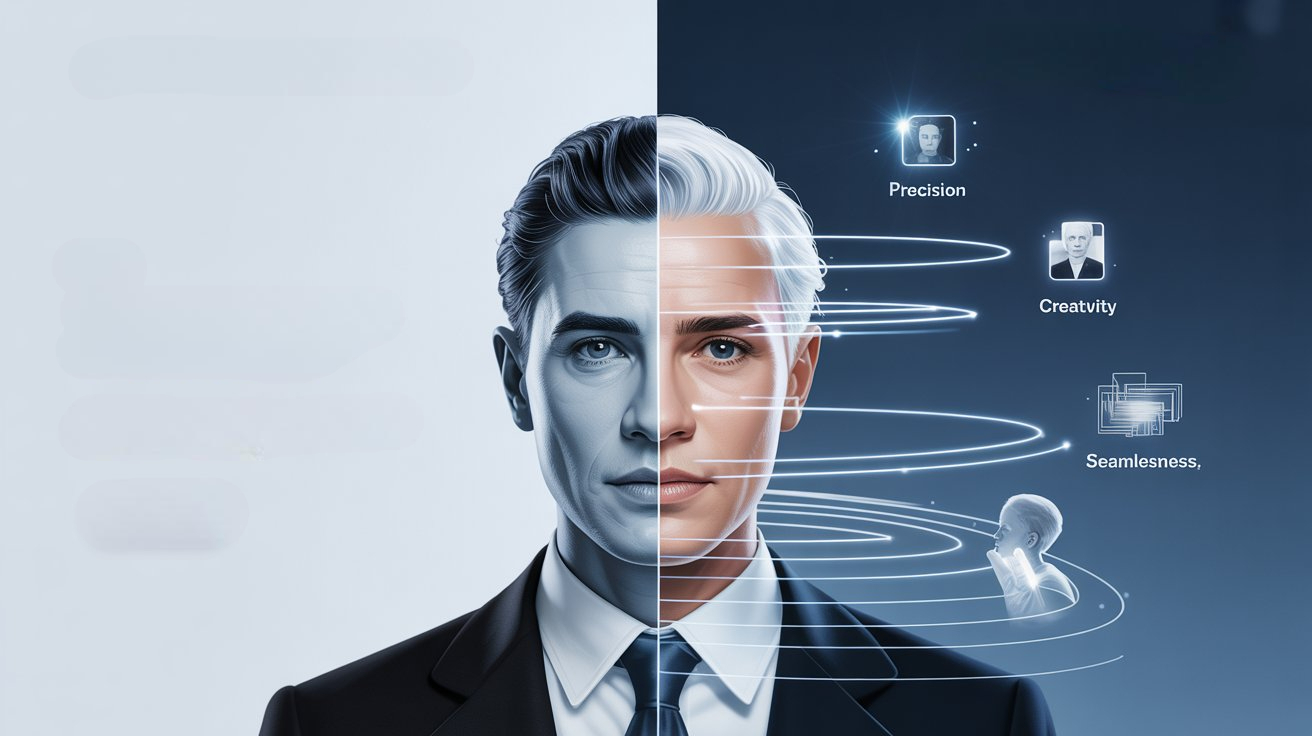
Learn everything about the Magic Fill tool
Magic Fill allows you to remove unwanted elements, fill blank or extended regions, and add new content to an image using AI. Simply upload your image, select the area and describe what you want the AI to do.
You can use a brush or selection mask to define the region you want to change. Then provide a prompt describing what you want added or removed, and the AI handles the rest.
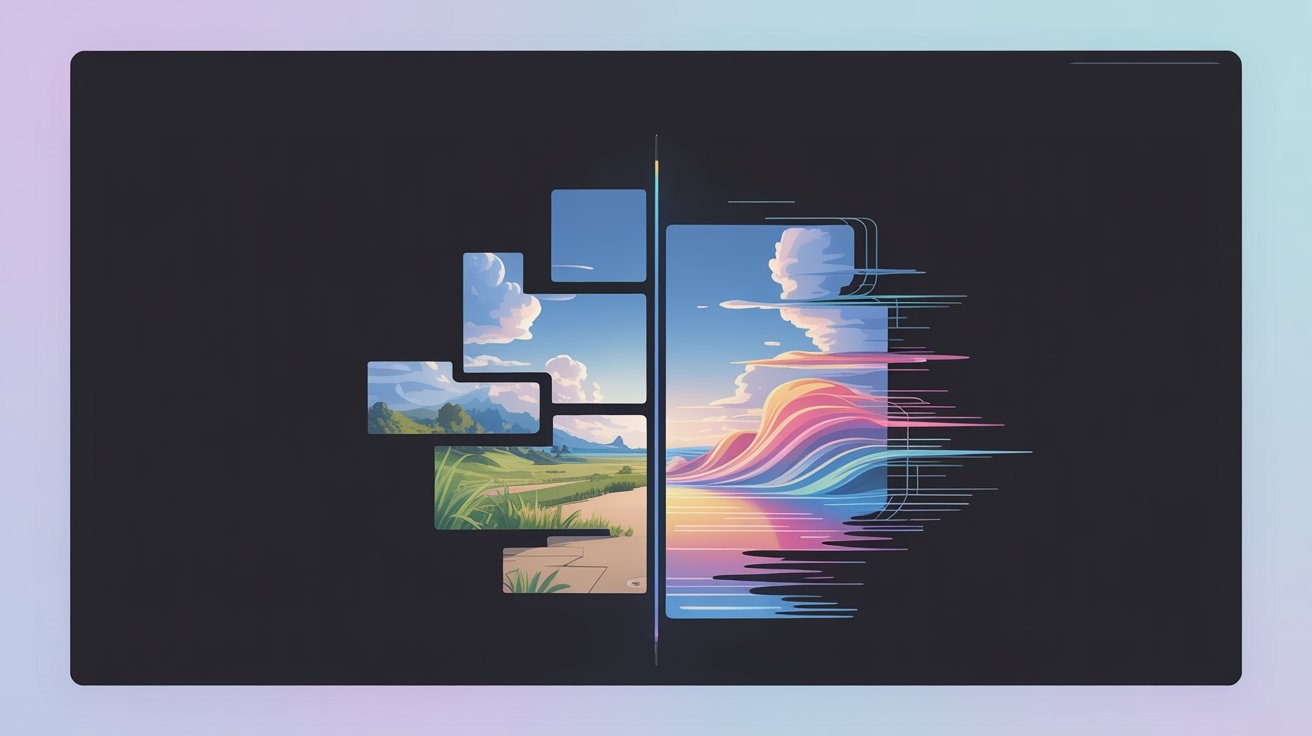
Yes — Magic Fill supports out‑painting: you can extend the canvas and have the AI generate surrounding content that matches the original style, lighting and scene structure.
Yes. The AI is context‑aware: it analyzes surrounding textures, lighting and perspective to ensure the result blends naturally, so it appears as part of the original photograph.
The tool supports common formats such as JPG, PNG and WebP. For the best results, upload high‑quality images and keep your masked areas clear and well‑defined.
Magic Fill is perfect for creatives, marketers, photographers and content teams who want to edit images quickly and effectively — whether cleaning up visuals, extending scenes for print or social, or creating new compositions from existing assets.
With Magic Fill, effortlessly complete missing parts, enhance your visuals, and bring your ideas to life with stunning detail!