See AI Upscaling in Action
Watch how our AI enhances image resolution and quality without any loss of detail
See Upscale In Action
Original Image
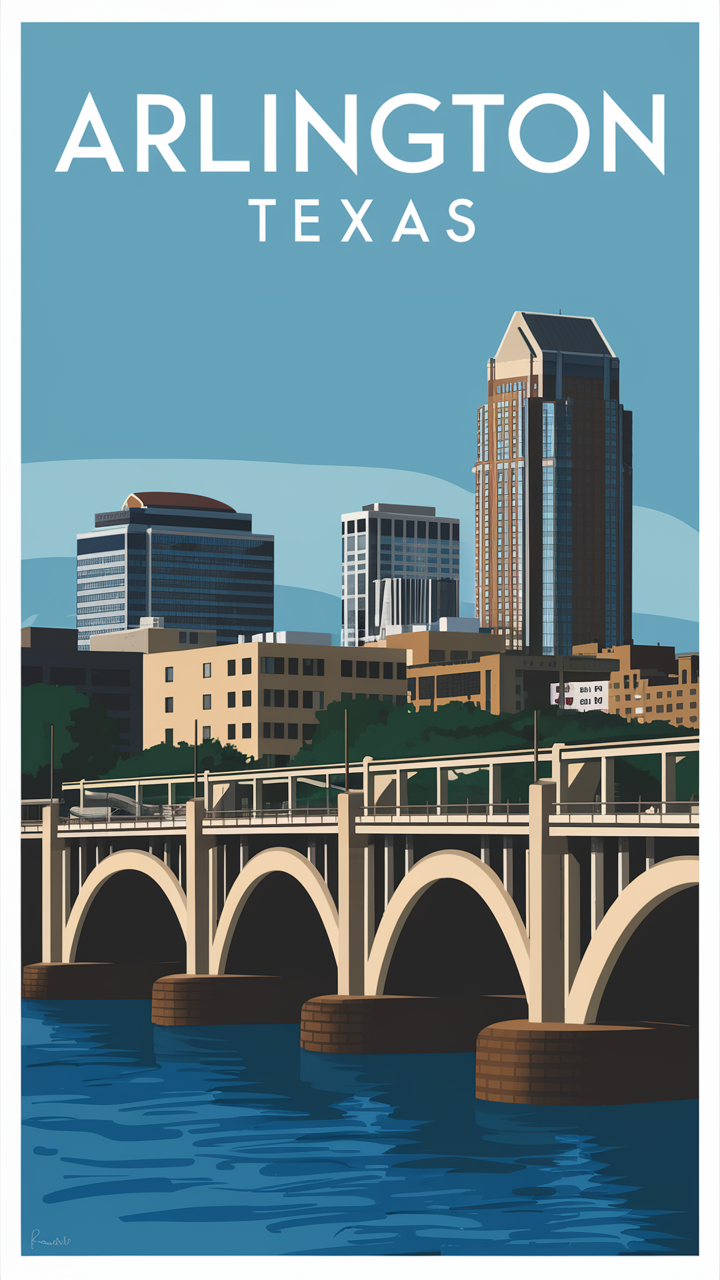
A small, low-res photo
Upscaled Image
Crisp, high-resolution result
How It Works
1. Upload Image
Select your low-res or small image
2. Adjust Settings
Choose your upscaling preferences
3. Enhance & Download
Let AI upscale and download your new image
2x Resolution
Double your image size with AI-powered enhancement
Precise Control
Adjust resemblance and detail levels to your preference
Smart Cropping
Automatic aspect ratio optimization for perfect results
Split View Comparison
Compare original and upscaled versions side by side
Frequently Asked Questions
Learn everything about the Upscale tool
What is the Upscale tool?
The Upscale tool uses AI to increase resolution and improve clarity of your image or video. Simply upload your file, choose the target resolution or enhancement style, and download a higher-quality version.
Which resolutions are supported?
You can upscale to resolutions such as Full HD (1080p), 4K and beyond depending on your plan. The tool reconstructs detail rather than just enlarging pixels, giving you sharper results.
Does it work for both images and videos?
Yes. The Upscale tool supports both still images (e.g., JPG, PNG) and short video clips. The same AI process applies: analysing content, removing blur or artefacts, and enhancing resolution and detail.
How long does the upscaling process take?
Processing time depends on file size, target resolution and complexity of enhancement. Many assets complete within seconds to a few minutes thanks to our optimized AI pipeline.
What output formats and quality can I expect?
Outputs are delivered in standard formats (image: JPEG/PNG, video: MP4) with high-quality, print-ready or digital-ready settings depending on your plan. The enhanced files are suitable for professional use.
Who benefits from the Upscale tool?
This tool is ideal for photographers, designers, marketers, content creators and archivists who need to convert low-resolution assets into high-quality versions for print, display or digital publishing.
Can I batch upscale multiple files at once?
Yes. Depending on your subscription plan, the Upscale tool allows batch processing so you can enhance multiple images or clips simultaneously, saving time for large projects.
Can I adjust the level of enhancement?
Yes. You can choose different enhancement styles such as Standard, High-Detail or Creative Sharpening depending on your workflow requirements.
Ready to Enhance Your Images?
Join thousands of creators who are already using our upscaling technology